

TL;DR
Why did my website stop ranking after I moved to a new domain?
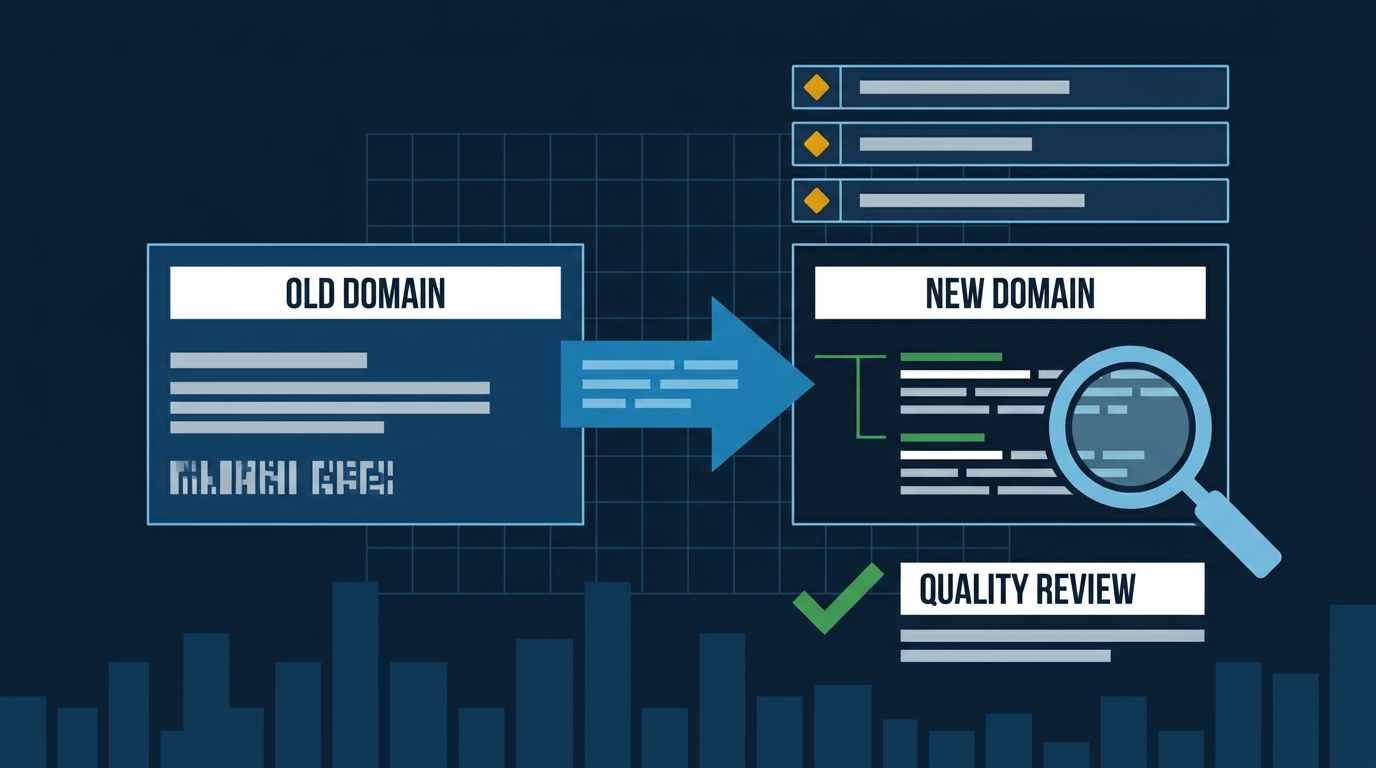
A site migration triggers a stricter quality review from Google. Even with perfect redirects and sitemaps, pages with generic, copycat content often won't get indexed on a new domain. Fix it by rewriting service pages with original, specific information only your business could provide.
You did everything right. Your developer set up the 301 redirects, submitted the change-of-address in Google Search Console, built the sitemap, and made sure Google could crawl the new domain. Then traffic fell off a cliff. Calls dried up. Your developer says the migration looks clean. Your SEO says give it time. Meanwhile you’re three weeks in and the phone hasn’t rung.
They’re probably both telling you the truth. The problem isn’t technical.
Google Treats a New Domain Like a Job Interview
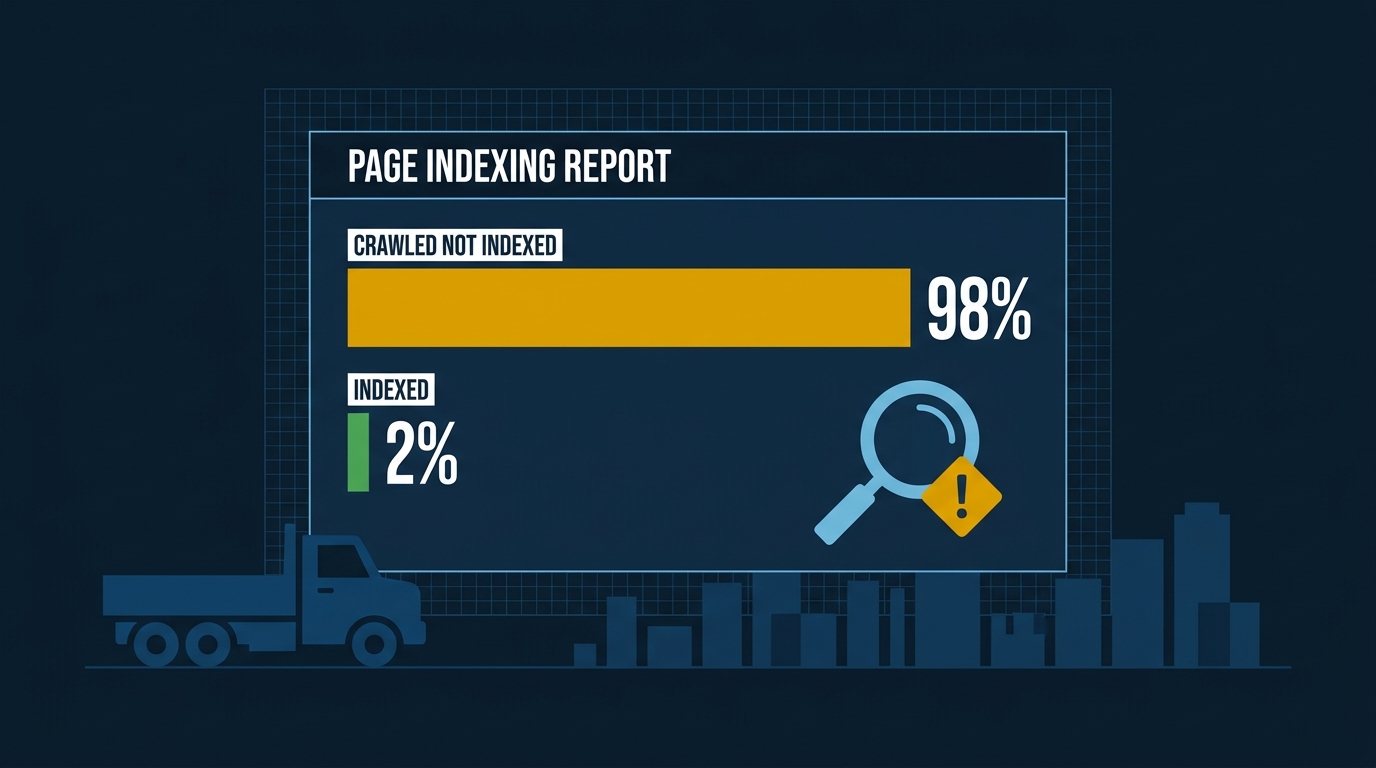
When you move to a new domain, Google doesn’t just follow your redirects and pick up where it left off. SEO consultant Marie Haynes documented a case where a site owner did everything correctly—redirects, canonical tags, sitemaps, the works—and still ended up with 98% of their URLs sitting in Google Search Console marked “crawled, currently not indexed.” Google had found the pages. It had read them. It had decided not to index them.
The reason Google listed? Page quality must be high enough to warrant indexing.
Think about what that means. Your old domain had accumulated years of trust signals, backlinks, and behavioral data. Google had already decided it was worth indexing. When you move to a new domain, that accumulated goodwill doesn’t transfer cleanly. Google re-evaluates the content on its own merits—and if the content doesn’t pass that quality bar on a fresh look, it stays out of the index.
The Real Culprit: Commodity Content
Here’s what Haynes found when she dug into the content itself: the pages were well-written and thorough, but they offered no original information that couldn’t be found on dozens of other sites. Google’s own documentation on helpful content specifically calls out originality as a key quality signal—defined as “the extent to which the content offers unique, original information or perspectives that aren’t already available on other websites.”
For an HVAC company in Pasadena or a plumber in Whittier, this plays out in a very specific way. Your “AC Tune-Up Service” page probably reads like every other AC tune-up page in Los Angeles County. Same bullet list of what’s included. Same generic paragraph about “keeping your system running efficiently.” Same stock language about “licensed and insured technicians.”
Google has indexed thousands of pages that say exactly that. When your new domain shows up with the same commodity content, there’s no signal that yours deserves a spot.
Why the Old Site Ranked and the New One Doesn’t
This is the question that trips everyone up. If the content was good enough on the old domain, why isn’t it good enough now?
Haynes’s theory—and it’s a credible one—is that a migration triggers a stricter quality assessment than a routine crawl of an established site would. Your old domain had built up enough trust that Google gave its content the benefit of the doubt. A brand-new domain gets no such benefit. It gets evaluated against current quality standards, which have tightened considerably.
Our read: if your content isn’t strong enough to rank on a brand-new domain with no trust history, it wasn’t really earning its rankings on the old one either—it was coasting.
And those standards are about to get tested further. Analyst Dan Taylor’s prediction model flagged a 96.8% probability of a broad, Panda-style core update hitting before the end of 2026. That’s a model output, not a Google announcement, but the underlying signals Taylor is tracking are real. Taylor describes what Panda actually measured: not word count, not link ratios, but whether a site “looked, to raters, like something a person would rely on.” A long page that repeats the same claim four times fails that test. A short page that answers a real question from genuine expertise passes it.
If your new site is full of pages that look like inventory—generic service descriptions, templated city pages, content that exists to guess what might rank—a quality update will hit it hard. And Taylor notes that Panda-style updates work at the domain level: one section of weak, redundant pages can suppress the rankings of pages that would otherwise be fine. For a roofing company in Pasadena or an electrical contractor in Long Beach, that means a single round of generic city pages can drag down your best service pages. The whole domain pays the price.
What to Actually Fix
This is fixable. But the fix isn’t technical—it’s editorial.
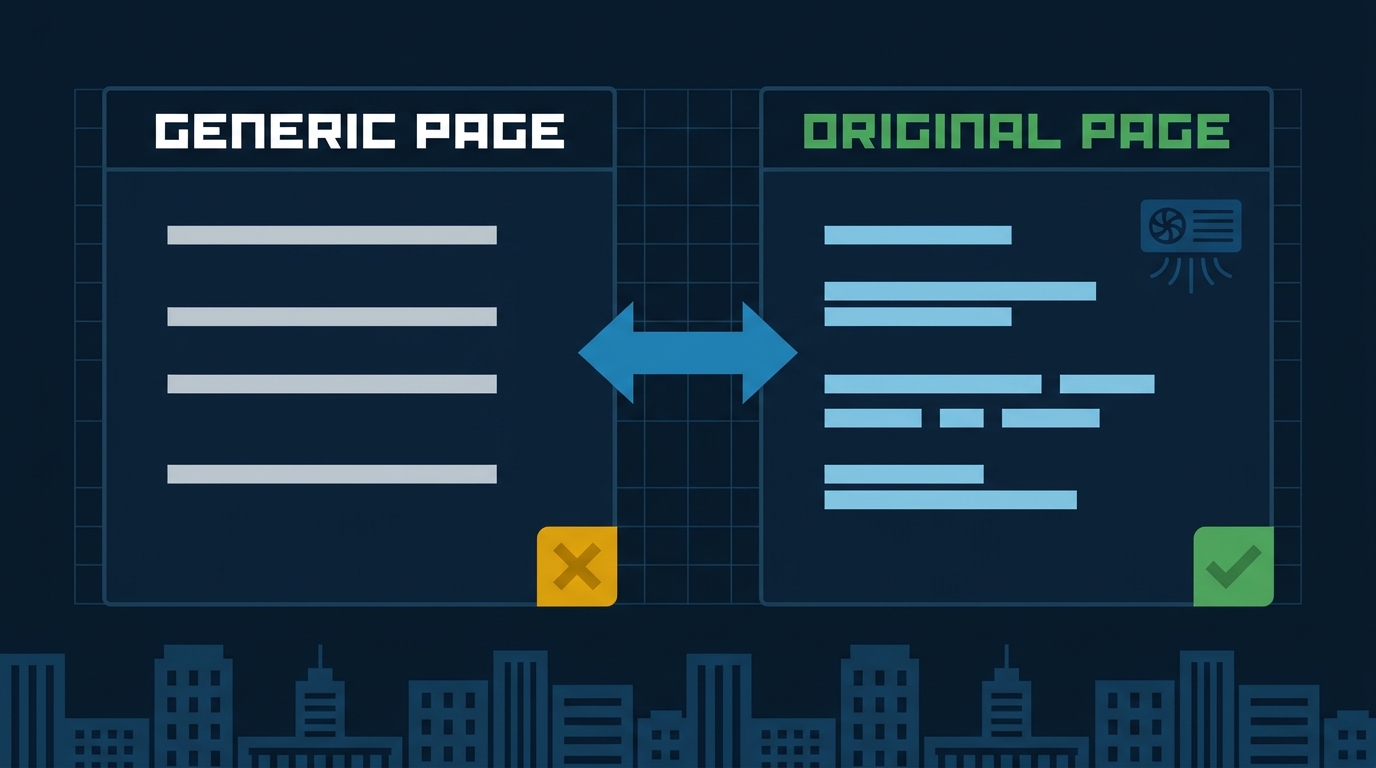
Audit what’s actually on your pages. Pull up your top five service pages and ask yourself: does this say anything a competitor three cities over couldn’t copy word for word? Here’s what that test looks like in practice:
Generic version: “We provide fast, reliable AC tune-up service for homeowners throughout the greater Los Angeles area.”
Rewritten version that passes: “On every tune-up we check refrigerant charge with a digital manifold—not just a sight glass—and we document the static pressure drop across the coil. If we find a dirty blower wheel, we clean it on the spot rather than quoting a return visit. Most of our Pasadena customers are running older Carrier or Lennox units in homes built before 1990, and those systems need that blower check every year.”
The second version says something only you could say. The first is commodity content.
Add the specific neighborhoods you serve in Glendale or Burbank. Add the actual brands of equipment you work on. Add what you check on a service call that the other guy skips. Add your honest take on when a repair makes more sense than a replacement.
Add E-E-A-T signals. Google’s quality guidelines look for Experience, Expertise, Authoritativeness, and Trustworthiness. For a trades business, that means: a real photo of your crew (not stock), specific credentials and license numbers, named technicians on service pages, and real customer outcomes described in specifics. “We fixed a refrigerant leak on a 2019 Carrier unit in a Monterey Park townhouse in under two hours” beats “we provide fast, reliable service.”
Don’t copy-paste city pages. If you have a page for every city in the San Gabriel Valley and they’re all the same paragraph with the city name swapped out, Google sees through it immediately. Either write genuinely distinct content for each city—what’s different about doing HVAC work in older homes in Alhambra versus newer construction in Santa Clarita—or consolidate into fewer, better pages. If you migrated in the last 90 days and haven’t audited your city pages, do it before Q4.
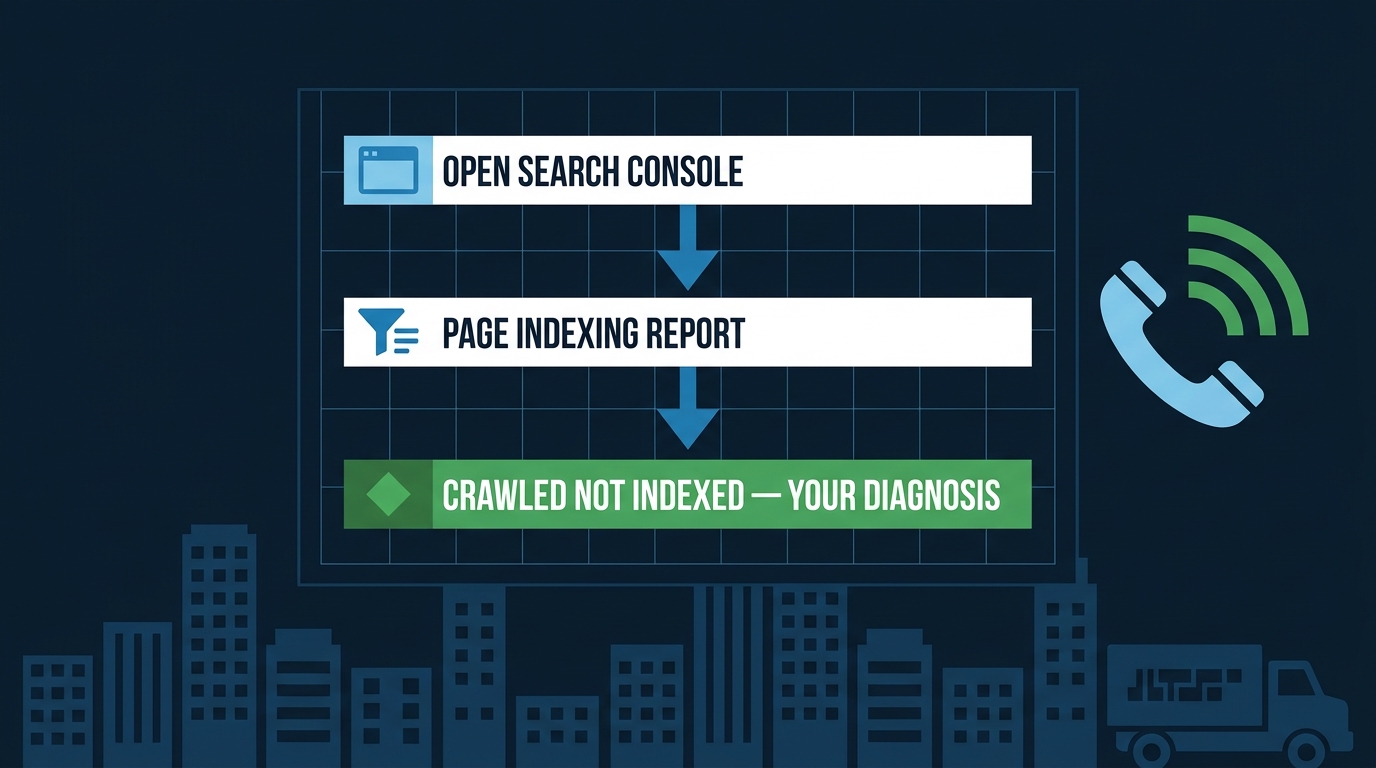
Check your index status before you assume a ranking problem. Go into Google Search Console and look at the Page Indexing Report. If your pages are sitting in “crawled, currently not indexed,” you don’t have a ranking problem—you have an indexing problem. Ranking fixes won’t help pages that aren’t in the index.
Don’t rush the migration. If you’re mid-migration and you haven’t launched yet, do the content audit on the old domain before you move. It’s much harder to fix after the fact.
One Thing to Do Monday Morning
Open Google Search Console. Go to the Indexing section, then Page Indexing. Filter for “Crawled — currently not indexed.” If you see more than a handful of pages there, that’s your diagnosis. Those pages were found, read, and declined. Start with the ones that matter most to your business—your core service pages—and rewrite them so they say something only you could say.
If you want a full picture of how your site stacks up against the competition in your area, our website design and development service includes a content and technical audit built specifically for trades businesses—so you know exactly what’s holding the new site back before you spend another month waiting for rankings that aren’t coming.