


TL;DR
What do I need to fix in my Google Ads before September 2026?
Two things: update your Target CPA or Target ROAS bids to match your actual recent performance before the overperformance change takes effect, and audit your conversion tracking for inflated values. Language targeting is also being removed from Search campaigns, so your ad copy and landing pages now carry that responsibility.
Two changes are hitting Google Ads this fall, and most home-service businesses running paid search in the San Gabriel Valley won’t see them coming until they’re bleeding budget.
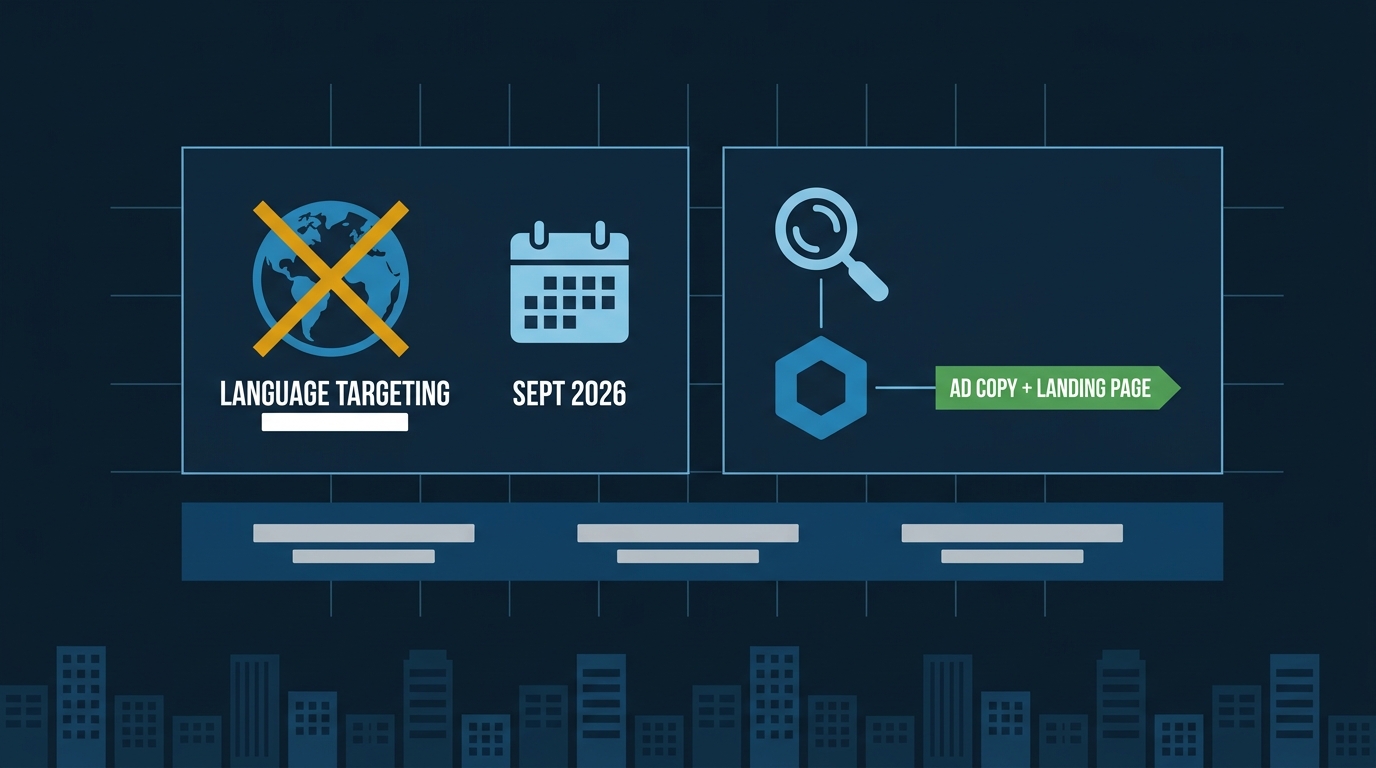
The first is straightforward: Google is removing campaign-level language targeting from Search campaigns and the Search inventory inside Performance Max, starting in late September 2026. The second is already live: as of August 17, budget-limited campaigns using Target CPA or Target ROAS stopped overperforming their stated targets. If your campaign’s actual CPA was running at $30 but your target was set to $60, Google was quietly banking that gap. That gap is now gone.
Neither change is catastrophic on its own. Together, they expose every account that’s been running on autopilot — and a lot of HVAC and roofing accounts in Pasadena, Whittier, and Alhambra fit that description.
What the Language Targeting Removal Actually Means
Right now, you pick a language at the campaign level — say, English — and Google uses that setting plus its own signals to decide whether your ad shows. Starting late September, the campaign-level setting disappears for Search and AI Max for Search campaigns.
What fills that gap? Your ad copy and your landing page. Google will infer language from what you’ve written and match it to users it believes understand that language.
For most single-language HVAC or roofing campaigns targeting English speakers in Arcadia or Temple City, the practical change is small. Your English ads will still serve to English-speaking searchers. But two situations deserve attention:
If you’re running separate English and Spanish campaigns. You can keep that structure — Google says you don’t need to rebuild. But now both campaigns could theoretically compete for a bilingual user. Google’s AI will decide which ad is the better match. If your Spanish landing page is weak or your Spanish ad copy is thin, you may lose that user to a competitor with a stronger Spanish page, even if you’ve been “winning” that segment for years.
If your campaign targets one language but your landing page is in another. That mismatch used to be partially masked by the campaign-level setting. Going forward, it’s fully exposed. An English campaign pointing to a Spanish landing page — or a landing page that’s half-translated — will confuse Google’s matching and waste impressions.
The fix is simple: make sure every ad group has ad copy and a landing page in the same language. If you want to serve both English and Spanish searchers in Rosemead or Montebello, write proper ads and pages in both. That’s not extra work — it’s what you should have been doing anyway.
The Overperformance Change Is the One That Costs You Money
This one already happened, so if you haven’t looked at your campaigns since August 17, look now.
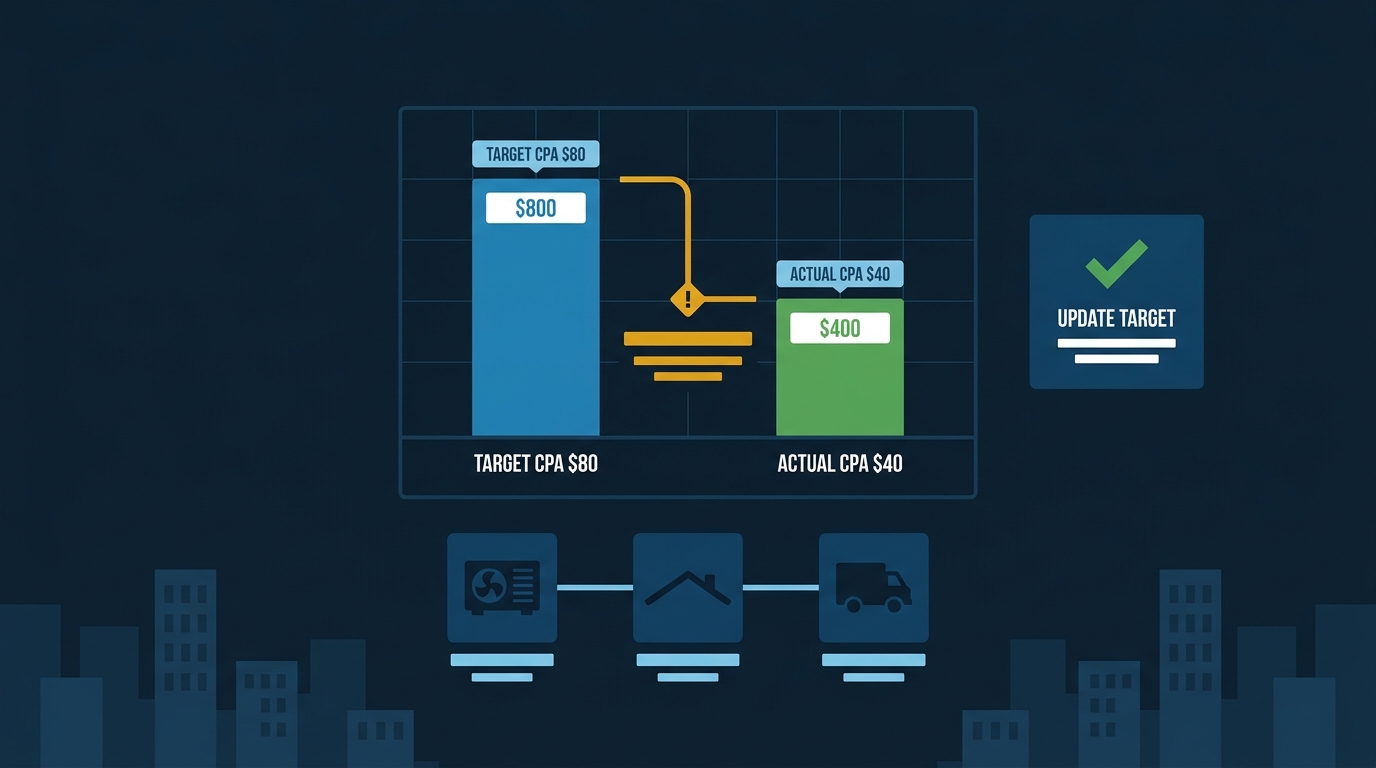
Before the change, budget-limited campaigns using Target CPA or Target ROAS would often deliver results well below the target you set. If your Target CPA was $80 but Google was consistently getting you leads at $40, that gap was real money. Some experienced PPC managers set intentionally loose targets to give Smart Bidding room to find efficient traffic inside a fixed budget. That strategy worked — until it didn’t.
Google’s own documentation is blunt about what happens now: “If your campaign’s Target CPA is $10, but your recent actual CPA performance is $5, your campaign will deliver more closely to a $10 actual CPA starting August 17, 2026. Update your target to $5 to maintain your recent performance.”
Read that again. If you were getting $5 leads and your target was set to $10, Google will now spend toward $10. You’ll get the same number of leads, but you’ll pay twice as much per lead.
For a roofing contractor running $3,000 a month in Whittier, that’s not a rounding error. That’s the difference between a campaign that pays and one that bleeds.
What to do right now: Pull your last 60 days of actual CPA or ROAS performance. Compare it to your stated target. If your actual performance is significantly better than your target — say, your actual CPA is $45 and your target is $90 — tighten the target to match reality. Don’t wait.
The Conversion Tracking Problem Underneath Both Changes
Here’s where it gets worse. Both of the above changes assume your conversion data is accurate. For many home-service accounts, it isn’t.
A detailed audit framework published by Search Engine Journal describes what’s become a common problem: “value inflation,” where the numbers Smart Bidding optimizes toward don’t reflect what the business actually collects. The article identifies the most common causes:
- A form submission and a thank-you page view both firing as separate conversions for the same lead — doubling your reported volume
- Phone calls under 10 seconds counted as conversions alongside genuine booked appointments
- Old conversion value rules from a promotion that ended months ago, still multiplying values in the background
- Offline leads imported from a CRM at full job value before the job is actually won
The piece is direct about the consequence: “tCPA and tROAS accept whatever value has been set as truth. If the numbers are inflated, the algorithm will aggressively pursue more inflated numbers, chasing ghost conversions, raising CPCs to win auctions for high-value clicks that were never actually high-value.”
For an HVAC company in Pasadena, that might look like this: your campaign reports 40 conversions last month, but only 18 of those became actual booked calls. Smart Bidding thinks it’s doing great. You’re paying for 22 phantom leads.
Now layer in the overperformance change. If your Target CPA was set loosely because the volume looked healthy, and the volume was inflated, you’ve got two problems compounding each other. Tightening your target without first cleaning your conversion data means you’re optimizing toward a more accurate version of the wrong number.
The audit sequence matters:
- Clean your conversion actions first — remove duplicate micro-conversions, confirm call duration minimums, verify thank-you page fires are deduplicated
- Then check your actual CPA against your stated target
- Then update the target to match reality
Skipping step one and jumping to step two is like calibrating a scale that’s broken.
The SGV Competitive Reality
If you’re running Google Ads for HVAC or roofing in the San Gabriel Valley — Pasadena, Alhambra, San Gabriel, Temple City — you’re already in a competitive market where the cost per click for “AC repair near me” or “roof replacement estimate” runs high. Wasted spend on phantom conversions or a misconfigured target is money that goes to a competitor’s impression share.
The businesses that come out of September in better shape are the ones who treat these changes as a forcing function to clean up what was already messy. Not because Google forced them to — because their campaigns will finally reflect what’s actually happening.
Our Google Ads management service includes a conversion audit as part of onboarding for exactly this reason. If you want to see what your current campaign’s budget and target structure should look like before September, run the numbers through our free Google Ads Cost Estimator — it pulls real cost-per-click data for your trade in your specific LA County city, so you can set targets that reflect the actual market, not a guess.
Three Things to Do This Week
One: Pull your conversion report and count your conversion actions. If you have more than three or four, you probably have duplicates. Identify which ones represent actual booked jobs or genuine phone inquiries. Pause or remove the rest from your bid signal.
Two: Compare your last 60-day actual CPA to your stated Target CPA. If the gap is more than 20%, update the target now. Don’t wait for Google to do it for you in a way you don’t control.
Three: Check your landing pages for language. If you’re in a bilingual service area — and most of the SGV qualifies — make sure any Spanish-language searchers land on a page that actually serves them. A half-translated page is worse than no Spanish page at all, because it signals to Google that you’re trying to serve that audience without actually doing it.
None of this requires a complete campaign rebuild. It requires an afternoon of honest attention before September arrives and the changes start costing you money you didn’t budget for.