TL;DR
Should I let Google's AI-powered Demand Gen run my ad budget?
Not without guardrails. Demand Gen builds and scales campaigns fast, but 'automatic' optimizes for Google's goals, not a local trade's — without tight geographic targeting, real conversion tracking, and budget caps locked down first, it burns spend on generic reach outside your service area. The AI can't know your market; set the boundaries before you let it drive.
If you run a roofing company in Whittier or a contracting business in Pico Rivera, Google just gave your ad account a new AI layer — and it’s worth understanding exactly what it will and won’t do for you before you let it spend your budget.
Google is rolling out AI guidance and expanded format options for Demand Gen campaigns — the campaign type that runs across YouTube, Gmail, and Google’s Discover feed. The pitch is simple: let the AI write your ad variations, pick your formats, and allocate your budget. Less work for you, more reach for your dollar.
That pitch sounds good right up until the AI writes copy that could belong to any contractor in any city in America.
That’s the real risk here. And it’s worth walking through before you hand the keys over.
What Demand Gen actually is
Demand Gen is Google’s campaign type for the parts of their network that aren’t the search bar. YouTube pre-roll, Gmail inbox ads, the Discover feed on Android phones — that’s Demand Gen territory.
It’s not where someone searches “roofer near me.” It’s where someone watches a storm-damage video on YouTube and your ad appears before the clip. Or where someone opens Gmail and sees your ad between emails.
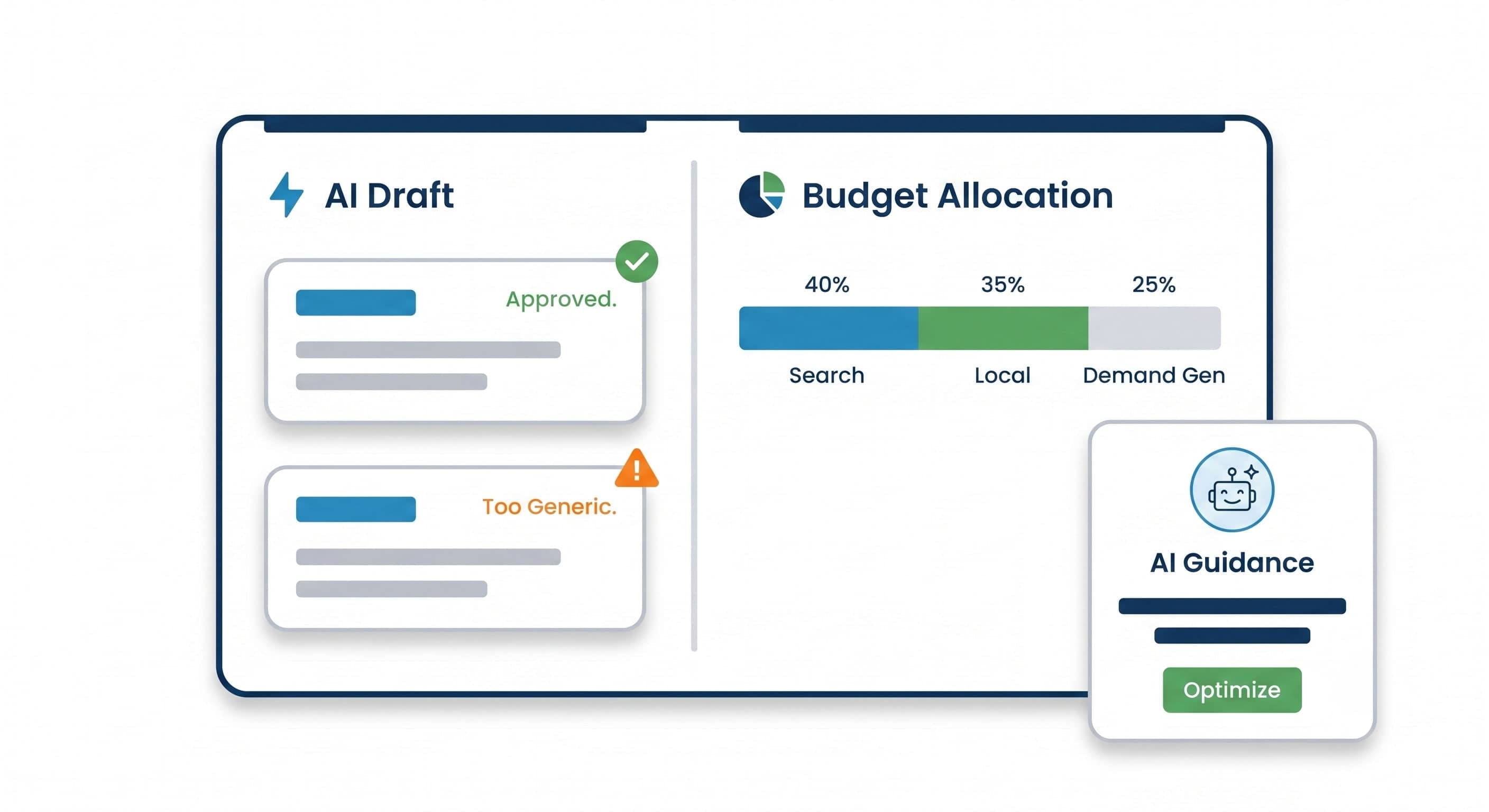
The new AI layer lets Google automatically generate ad variations from your assets — headlines, images, descriptions — and test combinations without you picking each one. It also adds AI-powered budget guidance: suggestions on how much to spend and where to shift dollars.
That’s useful if the AI knows your business. It doesn’t.
The problem with “automatic” for a local trade
Google’s AI is optimizing for engagement signals — clicks, views, interaction rates. It does not know that your roofing company only serves a 15-mile radius. It does not know that the homeowners in La Habra who need a re-roof are a different conversation than the ones in Whittier dealing with storm damage from last winter. It does not know that your best customers found you because a neighbor vouched for you, not because they saw a banner ad.
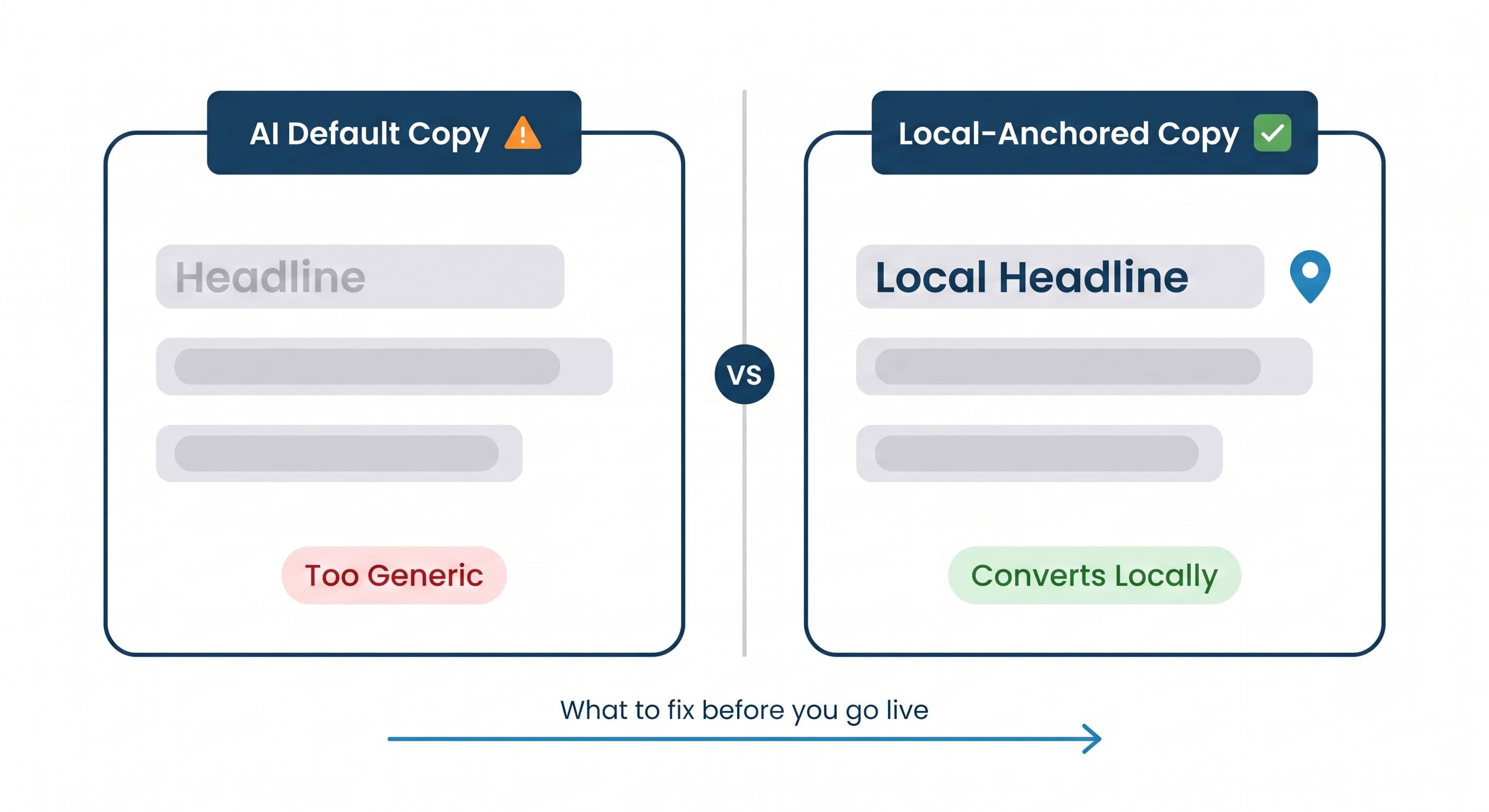
Left unchecked, the AI will write copy that sounds like this: “Professional roofing services. Licensed and insured. Free estimates. Call today.”
That copy is not wrong. It’s just invisible. Every contractor in SE-LA is licensed and insured and offers free estimates. That headline makes you indistinguishable.
The AI isn’t trying to hurt you. It’s doing exactly what it was trained to do — generate something that gets clicks in aggregate. Your job is to make sure “in aggregate” doesn’t mean “generic.”
Why the local signal matters more than the AI signal
Here’s something worth understanding before you scale any campaign. We ran a cohort audit of 19 profiles competing for searches in the Whittier market. Of those 19, only 11 are actually based in Whittier. The other 8 are serving from Pico Rivera, La Habra, and surrounding cities.
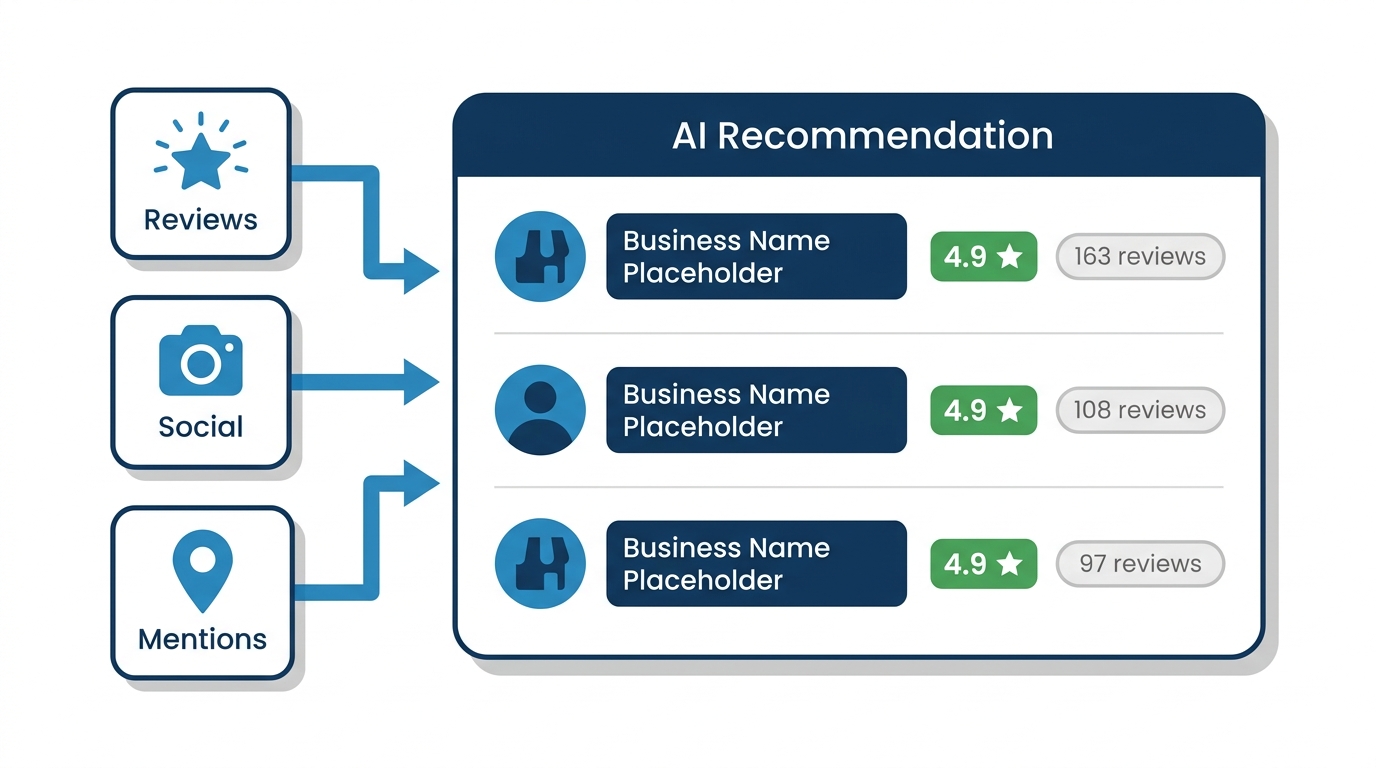
That matters for Demand Gen because Google’s AI is pulling signals from your entire profile — your Google Business Profile (GBP), your website, your reviews — to understand who you are and who to show your ads to. If your profile is thin, generic, or inconsistent, the AI is working with bad inputs. If your profile looks like the 14 that got skipped in our audit, the AI is optimizing off a thin signal — and thin signals produce thin ads.
The 5 profiles that surfaced when we queried Google’s Maps-grounded AI for a local service had a median of 67 reviews. The 14 that got skipped had a median of 30. The surfaced profiles also had a newest review that was, on average, about a month fresher than the skipped ones — 93 days versus 122 days since the last review came in. In a market this dense, where 8 of 19 competitors are commuting in from Pico Rivera and La Habra, a 30-day review gap is the difference between your ad getting the AI’s confidence signal and getting skipped.
The AI isn’t just reading your ad account. It’s reading your whole presence. A Demand Gen campaign running on top of a weak GBP is like putting a billboard on a road with no address at the bottom.
What to lock down before you let the AI run
This is not “don’t use AI.” The automation is genuinely useful when it’s working from strong inputs. Here’s what to get right first:
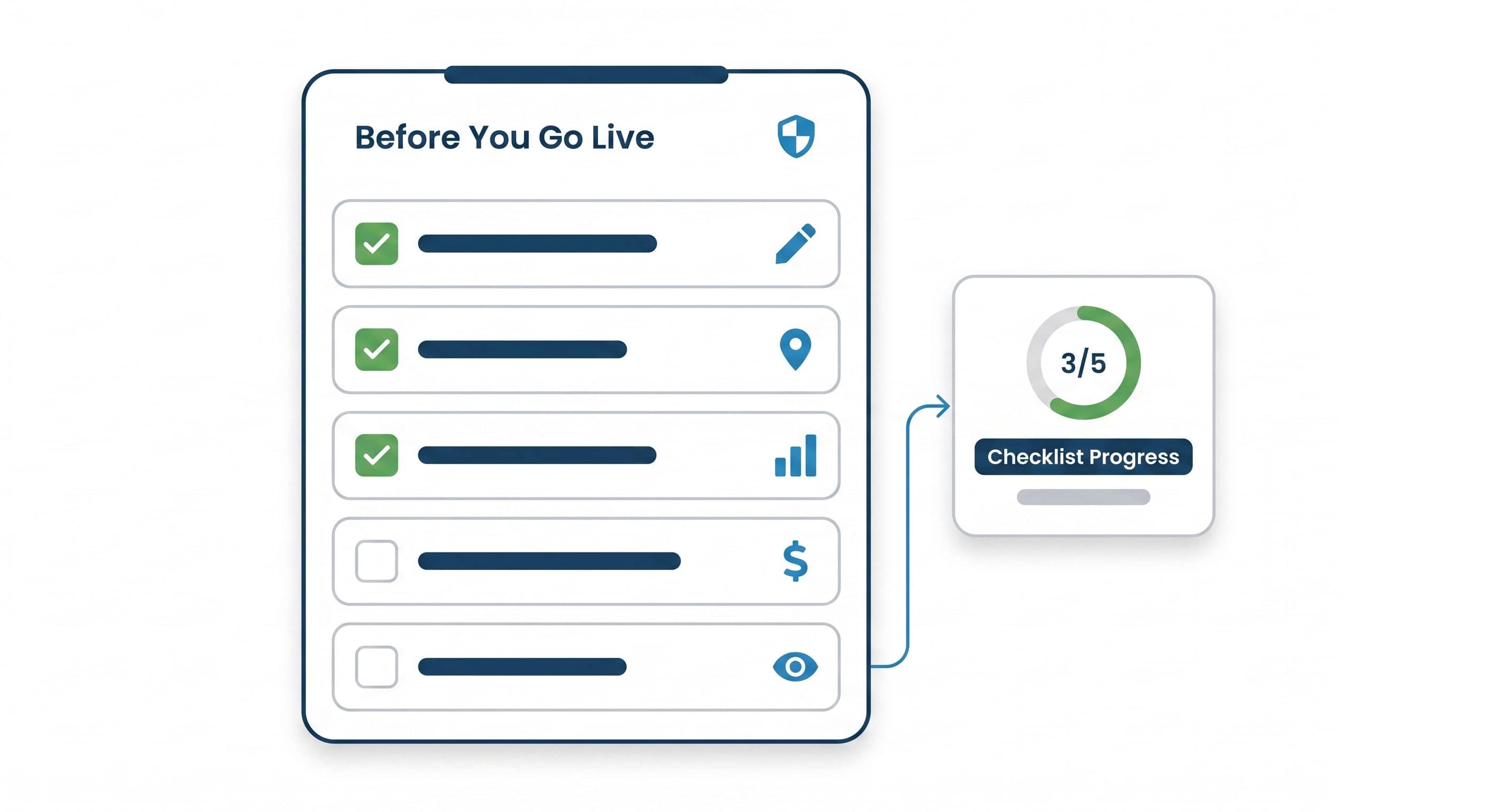
1. Write your own headlines before the AI writes them for you. Demand Gen lets you supply asset libraries — headlines, descriptions, images. Fill them with specific, local copy before you enable AI variations. “Storm damage repairs in Whittier and La Habra” is a starting point. “Free same-week inspection for Whittier homeowners after the last storm season” is better. Give the AI something real to remix.
2. Set tight geographic constraints. The default audience targeting in Demand Gen is broader than you need. Set your location targeting to your actual service radius — not “Los Angeles County.” If you serve Whittier, Pico Rivera, and La Habra, say so explicitly. The AI will optimize within those constraints, not around them.
3. Audit the AI budget recommendations weekly. Google’s AI guidance will suggest budget shifts toward whatever’s getting engagement. Engagement on a Demand Gen ad is not the same as a booked job. A homeowner clicking your YouTube pre-roll out of curiosity is not the same as a homeowner in Whittier searching “roofer near me” at 8pm after a storm. Monitor your actual call and form conversion data, not just the in-platform metrics the AI is optimizing.
4. Don’t let Demand Gen cannibalize your Search budget. Search campaigns — where someone is actively looking for your service right now — almost always outperform Demand Gen for home-service businesses on a cost-per-booked-job basis. Demand Gen builds awareness. Search captures intent. If the AI guidance is nudging you to shift budget toward Demand Gen, make sure your Search campaigns are fully funded first.
5. Review every AI-generated variation before it goes live. Google gives you the ability to review asset combinations before they serve. Use it. Look for anything that sounds like it could belong to any contractor anywhere. If you could swap out “Whittier” for “Anaheim” and the ad still makes sense, rewrite it.
The thing the AI cannot do for you
The AI can generate fifty headline variations in thirty seconds. It cannot call a homeowner back in Whittier who left a voicemail at 7pm. It cannot respond to a Google review that mentioned your crew by name. It cannot make your GBP look like a business that actually works in this specific corner of SE-LA.
Those are the signals that determine whether the AI — Google’s, or any other — recommends you in the first place.
The 5 profiles that surfaced in our Whittier audit weren’t winning on ad spend — they were winning on exactly these signals: fresh reviews, consistent presence, a GBP that looked like a real business in this specific corner of SE-LA.
Demand Gen AI is a distribution tool. It gets your message in front of more people, faster. But if the message is generic and the profile behind it is thin, you’re just distributing mediocrity at scale.
Get the foundation right. Then let the AI work harder for you.
Monday morning action: Open your Google Ads account and pull up any active or planned Demand Gen campaign. Look at the asset library. Count how many headlines mention a specific city, a specific service scenario, or a specific differentiator. If the answer is zero, write three before you do anything else. And before you accept any AI budget suggestion, check it against what search clicks actually cost for your trade in your city with our free Google Ads Cost Estimator.
How City Boost helps
We run Google Ads Management for home-service businesses in the SGV and SE-LA — which means we’re inside these accounts every week, watching what the AI recommends and deciding what to override. If you want a second set of eyes on your Demand Gen setup before the AI starts spending your budget on generic impressions, that’s exactly what we do.
Talk to us about your Google Ads account →