

TL;DR
How do I stop losing home-service leads to competitors who respond faster?
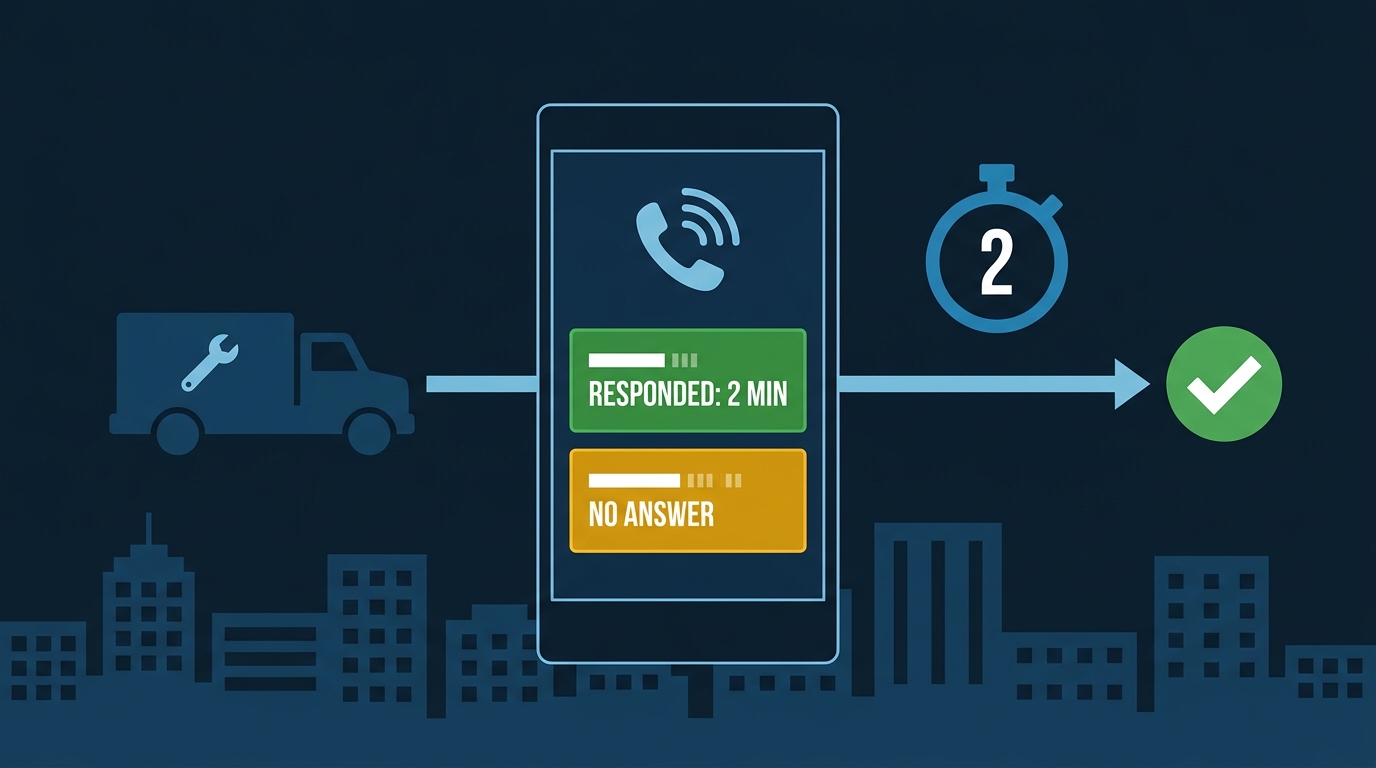
Automate your lead intake so every missed call, web form, and GBP message triggers an instant text response and routes to your dispatcher simultaneously. The businesses winning in competitive markets aren't necessarily the best — they're the ones who respond in under two minutes, every time, without a human watching the phone.
Someone in Rosemead searches “plumber near me” at 7:45 on a Tuesday night. Water is coming through the kitchen ceiling. They call the first result, get voicemail, and immediately dial the second number. You were the first result. You lost the job.
That’s not a Google problem. That’s a response-time problem.
In the San Gabriel Valley, home-service markets are dense by geography and competitive by necessity. Drive from Alhambra to Monterey Park to Temple City and you’ll pass the service vans of a dozen licensed plumbers, HVAC techs, and electricians who all cover the same zip codes. The customer doesn’t owe you patience. They’re going to call until someone answers or texts back, and whoever does that first almost always gets the booking.
The businesses winning those jobs aren’t necessarily the best-reviewed or the most experienced. They’re the ones who respond in under two minutes, every time, without a human having to be awake and watching their phone.
The Two-Minute Window Is Real
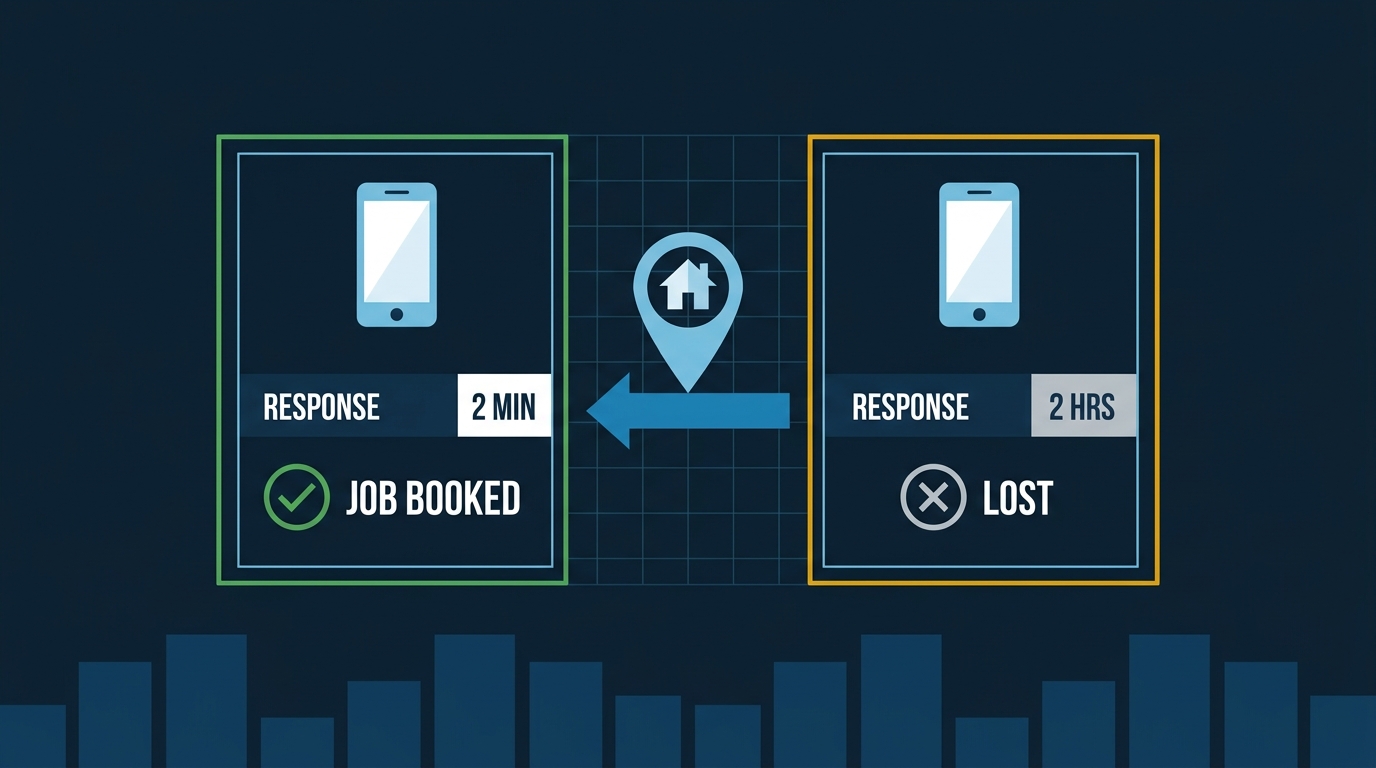
Rozas, a firm that handles roughly 1,800 calls a week, built an automated lead-intake system that effectively delivers a two-minute response to every new inquiry. The goal wasn’t to impress anyone with technology. It was to make sure no lead sat cold while a human figured out who should call them back.
You don’t need Rozas’s call volume to use the same logic. A two-person plumbing operation can run the same playbook with Jobber and a basic automation plan — the principle scales down just as well as it scales up.
That two-minute window matters because of how customers behave. When someone calls about a burst pipe or a tripped breaker, they’re not going to wait an hour for a callback. They’re going to call the next contractor on the list. Manual follow-up, even with a dedicated office person, can’t hit two minutes consistently across nights, weekends, and the middle of a busy job day. Automation can.
What Automated Lead Intake Actually Looks Like
If you’ve ever come off a job at 6pm and found three missed calls from the same number, you already know what this costs. There’s a lot of noise about “automation” right now — strip it down to what actually matters for a home-service company:
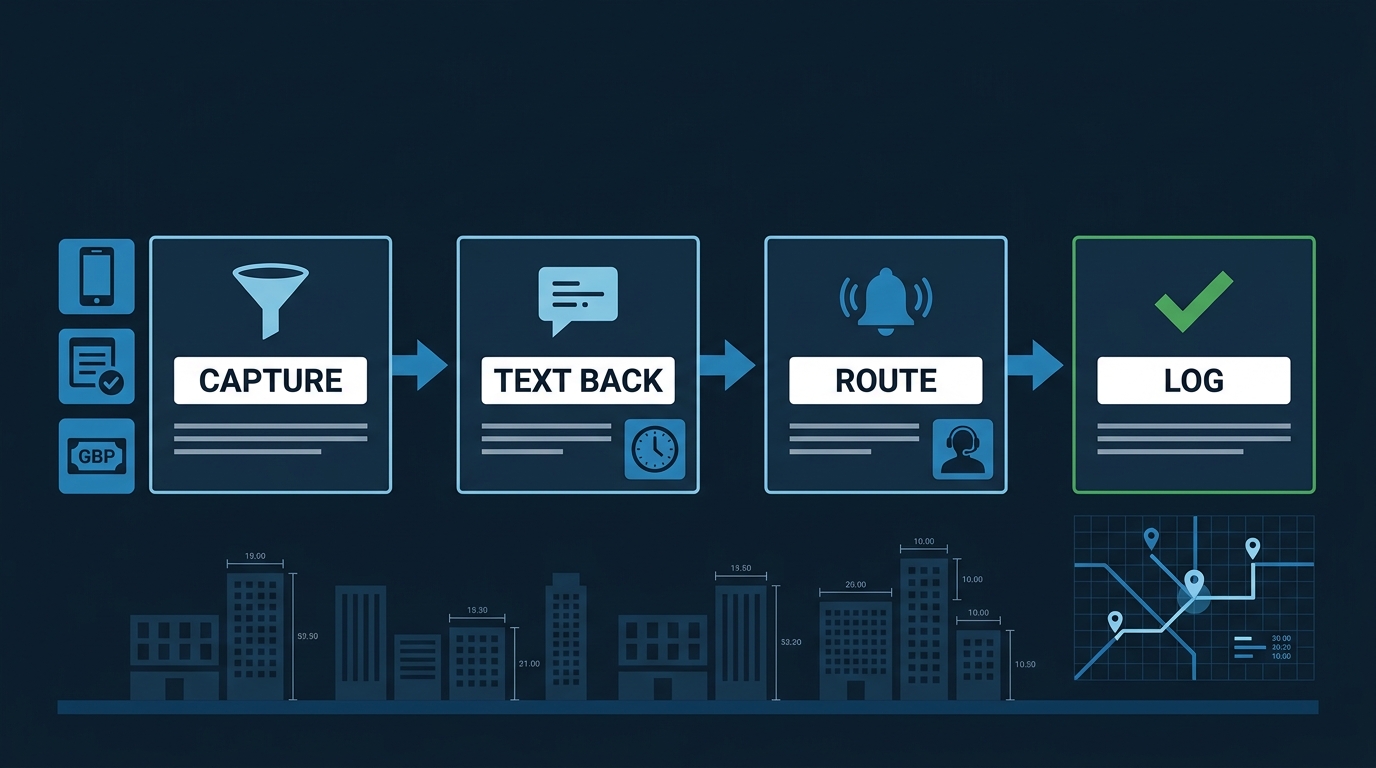
Step 1: Capture every lead in one place. Phone call, web form, Google Business Profile message, Local Services Ads inquiry — every channel dumps into one CRM. In Jobber, for example, you can enable the Google Business Profile integration so GBP messages land in the same inbox as your web form requests. Nothing falls through the cracks because someone forgot to check a tab.
Step 2: Trigger an instant response. The moment a new lead hits the system, an automated text goes out. Something specific to your trade: “Hey, this is [Your Company] — we’re probably on a job right now. What’s the issue and what’s your address? Someone will call you in the next few minutes.” That text does two things: it tells the customer they’re not being ignored, and it keeps them from calling your competitor while they wait.
Step 3: Route and notify the right person. Simultaneously, whoever handles dispatch gets a push notification — via Jobber’s built-in alerts or as an SMS to your dispatcher’s cell — with the lead details. No one is hunting through email or a sticky note on the desk.
Step 4: Log it automatically. The lead, the timestamp, the response time, and the outcome all go into the CRM without anyone typing anything. At the end of the month, you know exactly how many leads came in, how fast you responded, and how many converted.
Zapier’s roundup of small business automation tools makes the point clearly: the businesses getting the most out of automation aren’t running complex enterprise software — they’re connecting the tools they already have (a scheduling app, a CRM, a phone system) so information flows automatically instead of manually.
The Missed-Call Problem Is Bigger Than You Think
Here’s the specific version of this that kills revenue quietly: you miss a call, the customer hangs up, and you never know they called. No voicemail. No follow-up. The job goes to someone else and you don’t even have a record of the lost opportunity.
Missed-call text-back is the single highest-ROI piece of this system for most home-service businesses. When a call goes unanswered, an automated text fires within seconds: “Sorry we missed your call — we’re on a job right now. What can we help you with?” Some of those people text back. Some book. None of them would have if the missed call just sat.
AI is now making this smarter. Claude and similar AI tools can handle the first few exchanges of a text conversation — qualifying the lead, collecting the address, confirming the type of job — before a human ever gets involved. For a two-person shop, the AI receptionist is worth it specifically for after-hours — during business hours, a human response is still faster and warmer. But after 6pm on a Friday, when you’re not staffed to answer, an AI that can hold a conversation until Monday morning is the difference between a booked job and a lost one. By the time you or your dispatcher picks up the thread, the lead is already half-qualified and the customer is already engaged.
What Slow Response Actually Costs You
Run a hypothetical with your own numbers. Say you’re fielding 40 calls a week and losing even one in ten to slow response — that’s four jobs a week going to a competitor. Multiply that by your average ticket and by 52 weeks. The number gets uncomfortable fast, and that’s before you count the reviews those customers leave for whoever did answer.
We’re not saying those are your numbers. We’re saying: plug in your own. Our free Lead ROI Calculator takes your job value and close rate and shows you what faster response is actually worth in dollars. Takes about 90 seconds.
The pattern we see consistently in the SGV: the contractors growing in Alhambra, Pasadena, and Monterey Park aren’t outspending their competitors on ads. They’ve closed the gap between “lead arrives” and “lead feels taken care of.” Your own missed-call log will tell you faster than any study whether you have a response-time problem.
How to Set This Up
You don’t need to build anything from scratch. Our lead management and automation service pulls every channel into one inbox, fires missed-call text-backs automatically, routes leads to the right person, and logs everything so you can track response times and conversion rates. The AI receptionist handles after-hours conversations so you’re not losing Saturday night emergency calls to whoever picks up first.
For the DIY path: Zapier connects most scheduling tools — Jobber, Housecall Pro, ServiceTitan — to SMS and CRM platforms. It’s not instant to set up, but it works. The key is making sure every lead source, not just the web form, feeds into the same system.
One Thing to Do Monday Morning
Pick one lead source you’re not responding to automatically. Probably missed calls. Set up a missed-call text-back — even a basic one that just says “We missed your call — we’ll be in touch shortly.” That single change, running on every missed call, will recover jobs you didn’t know you were losing.
The businesses that are hard to compete with in Whittier and Rosemead and Pasadena aren’t spending more on ads. They’re just not letting leads go cold.