TL;DR
Can blocking AI bots on my website accidentally stop Google from indexing it?
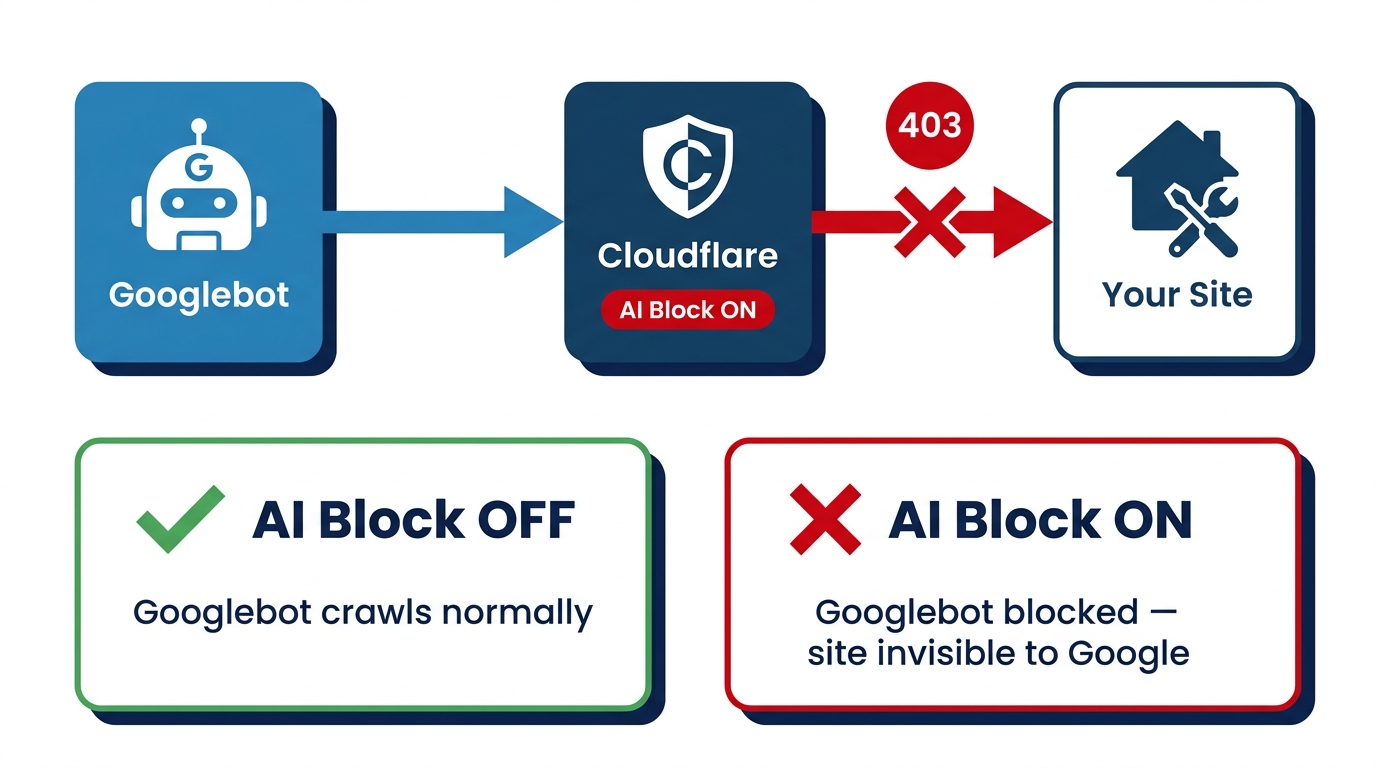
Yes. Cloudflare classifies Googlebot as a 'mixed-purpose' crawler that both indexes and feeds AI training. If you've enabled AI Training blocking, Googlebot may already be receiving 403 errors. Check your Cloudflare bot settings and Google Search Console for crawl errors this week — before September 15 changes the defaults.
Your HVAC website looks fine in your browser. Your Cloudflare dashboard shows everything green. But your phone has gone quiet, and when you check Google Search Console, pages that used to rank in Pasadena and Long Beach have quietly disappeared from the index.
You didn’t touch anything. Or so you thought.
There’s a specific Cloudflare setting — one designed to protect your content from AI scrapers — that is also locking out Googlebot. If you enabled it, your site may already be invisible to Google. Check these settings before September 15.
Cloudflare Classifies Googlebot as an AI Training Bot
Cloudflare added a feature called “AI Crawlers & Scrapers” that lets site owners block bots that harvest content for AI training. The intent is reasonable: you don’t want some AI company vacuuming up your service pages for free. So you flip the switch to Block AI Training and move on.
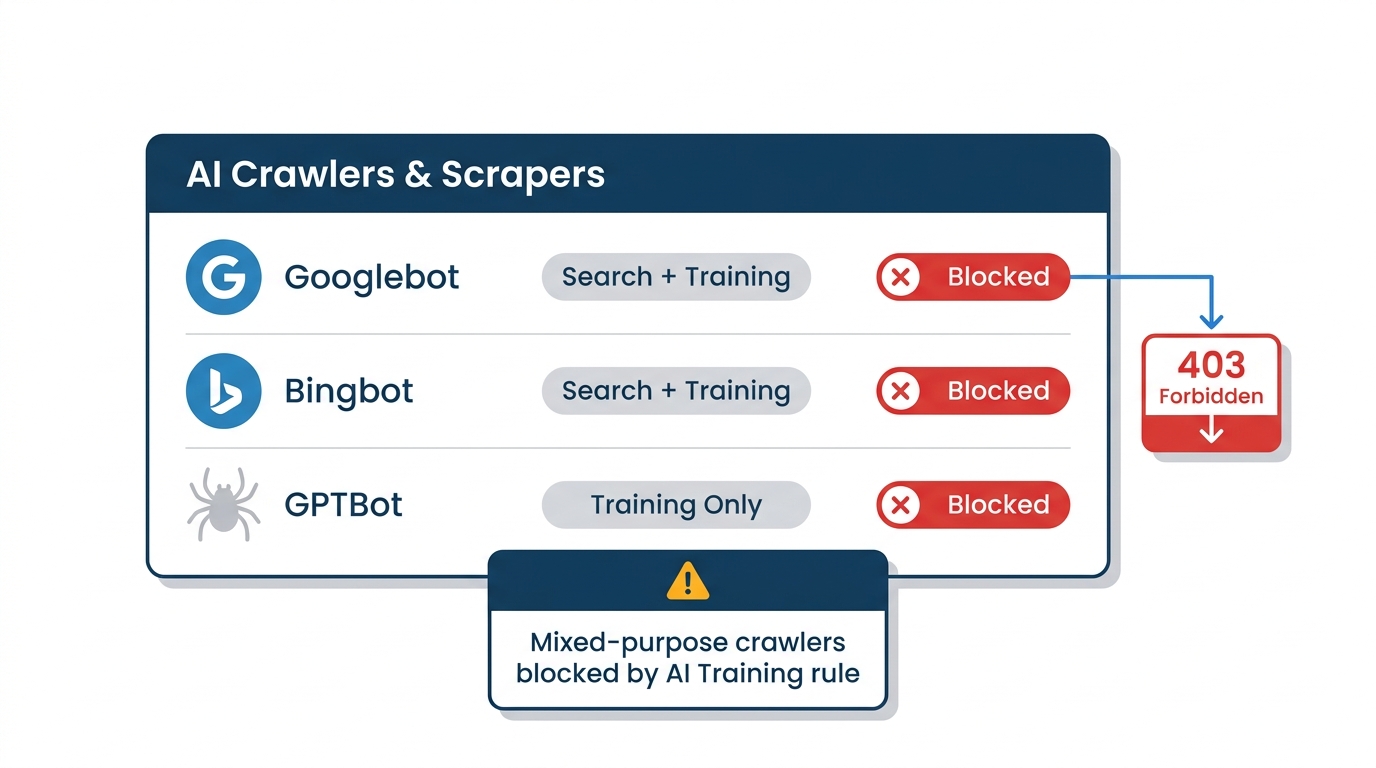
The problem: Cloudflare classifies Googlebot as a “mixed-purpose” crawler — one that simultaneously indexes pages for search and collects data that feeds AI training. Under Cloudflare’s current logic, blocking AI training bots catches Googlebot in the same net.
A user in the r/SEO community reported exactly this: after setting AI Training to Block, both Googlebot and Bingbot started receiving HTTP 403 responses when trying to fetch their sitemap. The moment they disabled the AI Training block, the 403 errors disappeared. Google’s own John Mueller stepped in to investigate — which tells you this isn’t a fringe edge case.
The original poster confirmed it wasn’t a fake Googlebot issue. As reported by Search Engine Journal, Cloudflare’s own dashboard showed Googlebot listed as blocked automatically in the AI Crawlers section — the block was coming from inside the house.
September 15 Makes This a Default, Not a Glitch
Right now, some of this behavior is anecdotal — a configuration quirk that some users hit and others don’t. That changes soon.
Cloudflare has announced that starting September 15, 2026, they will update defaults for new domains: bots classified as “Training” or “Agent” will be blocked on pages that display ads, and mixed-purpose crawlers that combine Search and Training — which includes Googlebot — will be blocked by all configurations that block AI training, including the legacy “Block AI bots” option.
Read that again. If you have any form of AI bot blocking enabled after September 15, Cloudflare’s default behavior will block Googlebot on ad-serving pages. For a plumbing company in Long Beach running Google Ads alongside organic search, that’s a direct collision between a security toggle and your ability to appear in local results.
Cloudflare says customers can opt out of these new defaults before September 15. But you have to know to do it.
Why This Hits Home-Service Sites in Pasadena and Long Beach Harder
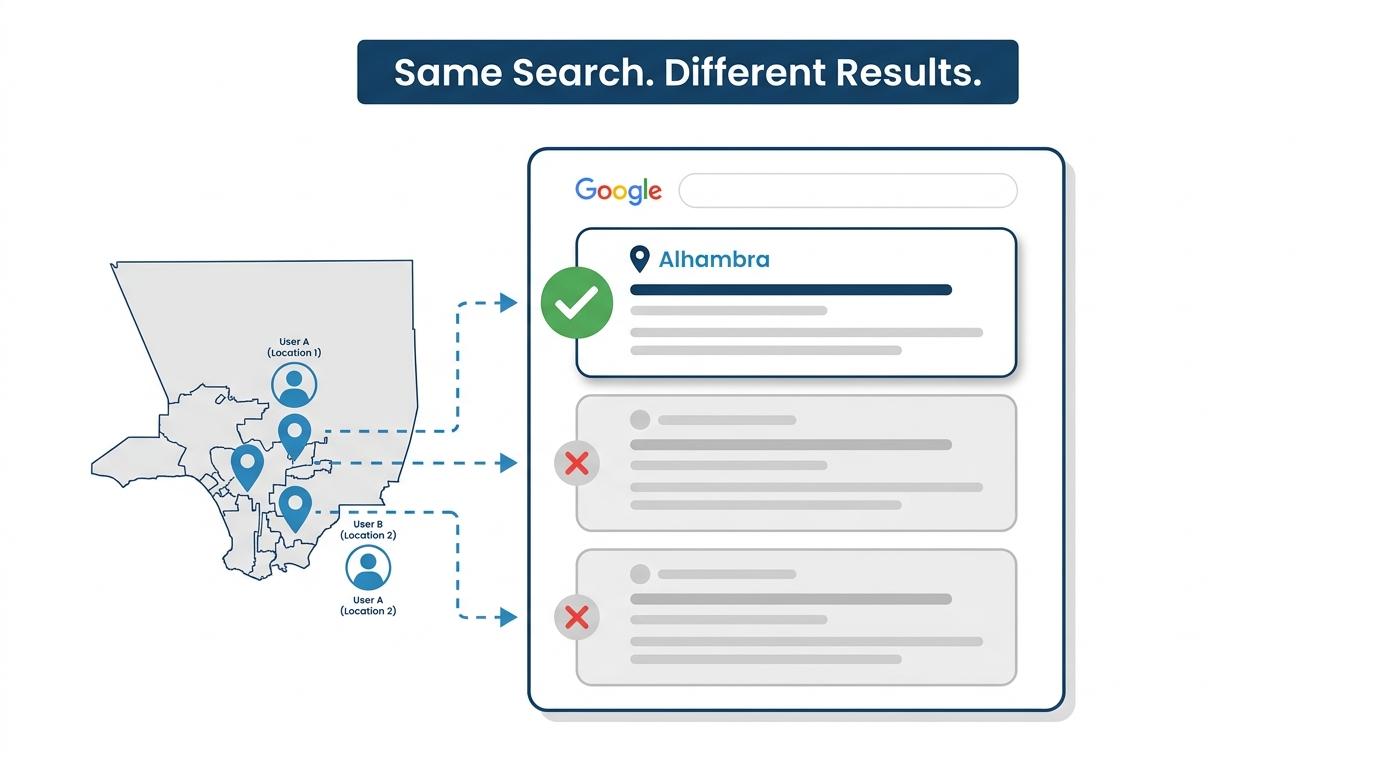
Run a search for “HVAC near Pasadena CA” right now. As of August 2026, Google returns a three-pack map result with a local finder showing 20-plus competing GBP listings — contractors from Pasadena itself, Arcadia, Monrovia, and Temple City all fighting for those three visible spots. Google Business Profile (GBP — your listing on Google Maps and Search) pulls signals from your website to decide who makes the cut. Lose crawl access for a few weeks and Google can’t verify your service pages, confirm your coverage area, or read the structured data backing up your profile. You’re not just down in organic results; you’re weakening the entire local presence you’ve built.
Long Beach compounds this differently. The city spans roughly 50 square miles across more than a dozen distinct zip codes — 90802 to 90815 and beyond. Contractors there routinely maintain separate service-area pages for neighborhoods like Bixby Knolls, Signal Hill, and the harbor district specifically because the geography is wide enough that a single homepage can’t carry the local relevance for all of it. A quick site: search on a well-optimized Long Beach plumbing company typically turns up 15 to 25 indexed location and service pages. A 403 block doesn’t just knock out your homepage — it can make that entire service-area footprint invisible at once. That’s a harder hole to climb out of than losing one ranking.
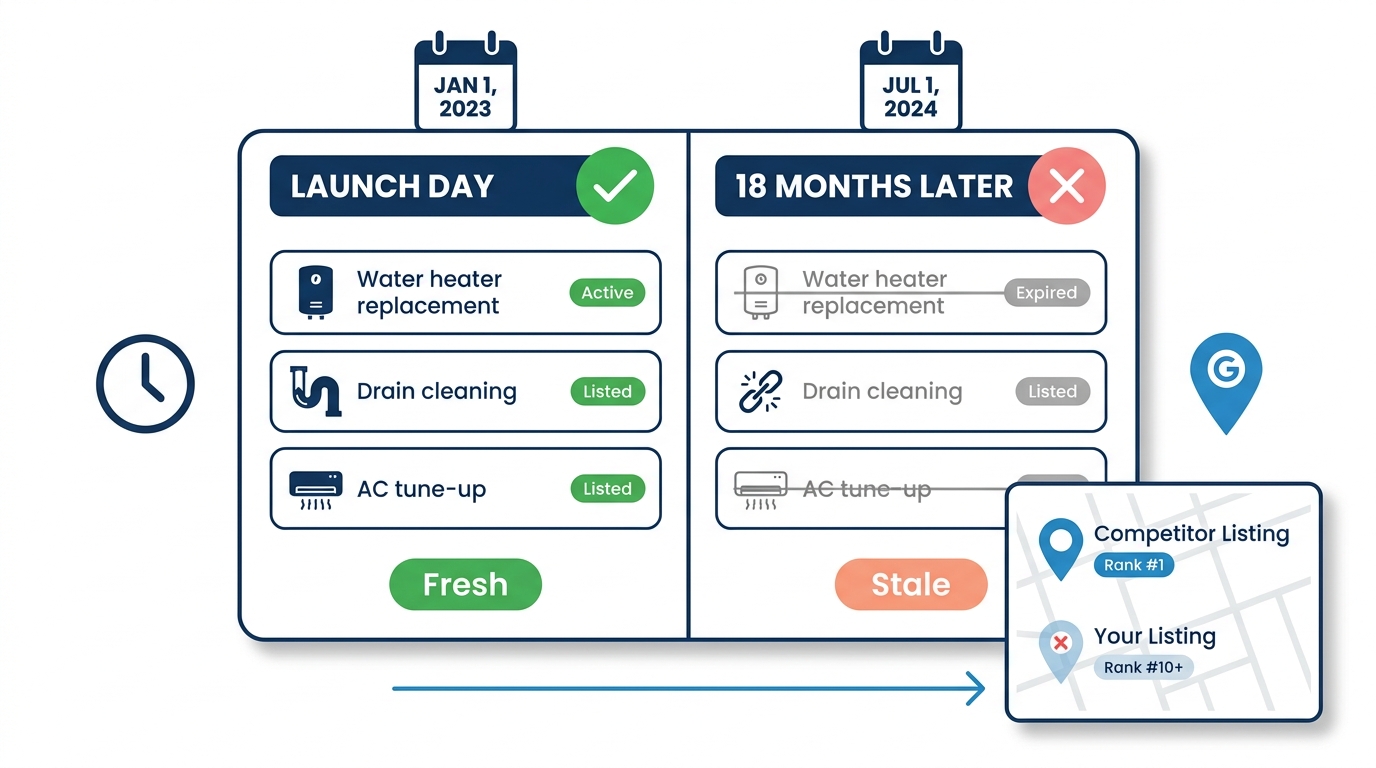
This is also exactly the kind of thing that looks like an algorithm update or a Google penalty when it’s actually a misconfigured toggle in a dashboard you set up six months ago and forgot about.
Don’t Confuse This With Cloudflare’s PACT Announcement
While we’re on Cloudflare and bot management, there’s a separate announcement worth knowing about so you don’t conflate the two.
Cloudflare announced PACT (Private Access Control Tokens) in June 2026, alongside Mozilla Firefox, Google Chrome, Microsoft Edge, and Shopify. PACT is designed to prove a human is behind web traffic without CAPTCHAs or invasive tracking — anonymous tokens that distinguish real people from bots in a privacy-preserving way.
PACT is not live — it’s a multi-year standardization process. Don’t let anyone sell you a “PACT-ready” security setup. The September 15 default change is the issue that matters now.
What to Check This Week
If your site runs through Cloudflare, do this today:
1. Log into your Cloudflare dashboard and find “Bots” or “AI Crawlers & Scrapers.” Look at what’s currently set to Block. If you see “AI Training” blocked, check whether Googlebot appears in the blocked bots list. The Reddit reporter said Cloudflare’s own dashboard showed Googlebot listed as blocked automatically.
2. Check Google Search Console for crawl errors. Go to Settings → Crawl Stats, or run a URL inspection on your homepage. A spike in 4xx errors — especially 403s — is the tell. If you see it, look at when it started relative to when you last touched your Cloudflare settings. Our free AI Search Readiness Score includes an AI-crawler access check, so it will also tell you whether your site is turning crawlers away before you dig through either dashboard.
3. Don’t use Bot Fight Mode as a blunt instrument. Bot Fight Mode is Cloudflare’s aggressive setting that challenges anything that looks automated. It can catch legitimate crawlers. If you have it enabled, check what it’s actually blocking — the dashboard will show you.
4. Before September 15, review Cloudflare’s opt-out options. In your Cloudflare dashboard, go to Security → Bots → AI Crawlers & Scrapers → Manage Defaults. Look for a toggle labeled something like “Apply new September 2026 defaults” and confirm it is set to opt-out before the deadline.
If you want a technical eye on your full setup — not just Cloudflare, but how your site’s crawlability, speed, and structure affect your local rankings — our website design and development service covers exactly this kind of audit.
The Real Risk Is That You Won’t Notice
A 403 error to Googlebot doesn’t send you an alert. Your site still loads fine in your browser. Your Cloudflare dashboard may not flag it clearly. You quietly disappear from search results over the following weeks, and by the time you notice, you’re troubleshooting the wrong thing — wondering if Google changed something, if a competitor did something, if you need more content.
The answer is a checkbox. Check the settings Monday morning. It takes ten minutes.