

TL;DR
My Google Local Services Ads badge expired and my ads stopped — what do I do?
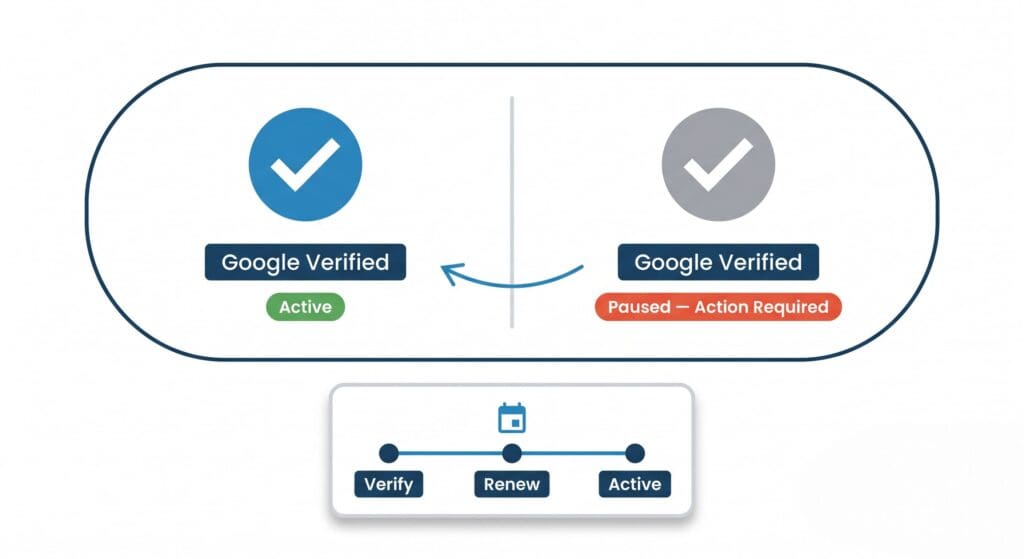
Three things lapse on their own schedules: background checks, licenses, and insurance documents. When one expires, your badge — and your ads — quietly stop until you re-upload and re-verify, which can take days to weeks. Re-submit the lapsed item now, then put every renewal date in a calendar system that doesn't rely on memory so it never happens again.
Your Google Local Service Ads were running. The phone was ringing. Then, quietly, they stopped.
No warning email you noticed. No obvious error. Just — nothing. Two weeks later, after some frantic Googling, you find out your Google Guaranteed badge lapsed. Verification expired. Google paused your ads automatically, the way they always do when this happens.
If your LSA generates 4 calls a week at an average job value of $400, two weeks dark is $3,200 gone. For an HVAC company in the middle of summer, that number goes higher. In Montebello’s plumber cohort — 14 profiles, 11 of them rated 4.8★ or higher — a two-week blackout hands those calls to the next profile on the list.’
This isn’t a fringe scenario. It happens regularly to contractors who set up LSAs, got busy running their business, and forgot that Google treats your verification like a license — it expires, and you have to renew it.
Here’s the mechanics of why it happens — and a system that takes 15 minutes to set up and keeps your badge running in a market where 11 of your 14 competitors are already rated 4.8 or above.
What the Google Verified Badge Actually Is
The blue checkmark badge next to your business name in Local Service Ads isn’t just a logo. It’s a signal to Google — and to the homeowner searching — that you’ve passed a background check, your license is on file, and your insurance is current.
Google partners with third-party screeners (Pinkerton and others, depending on your trade and state) to verify all of this. When everything checks out, you get the badge. When any piece of that verification lapses — background check, license, insurance — Google pulls the badge and pauses your ads.
They don’t ask first. The ads just stop.
The Three Things That Expire (And When)
Here’s what you’re actually tracking:
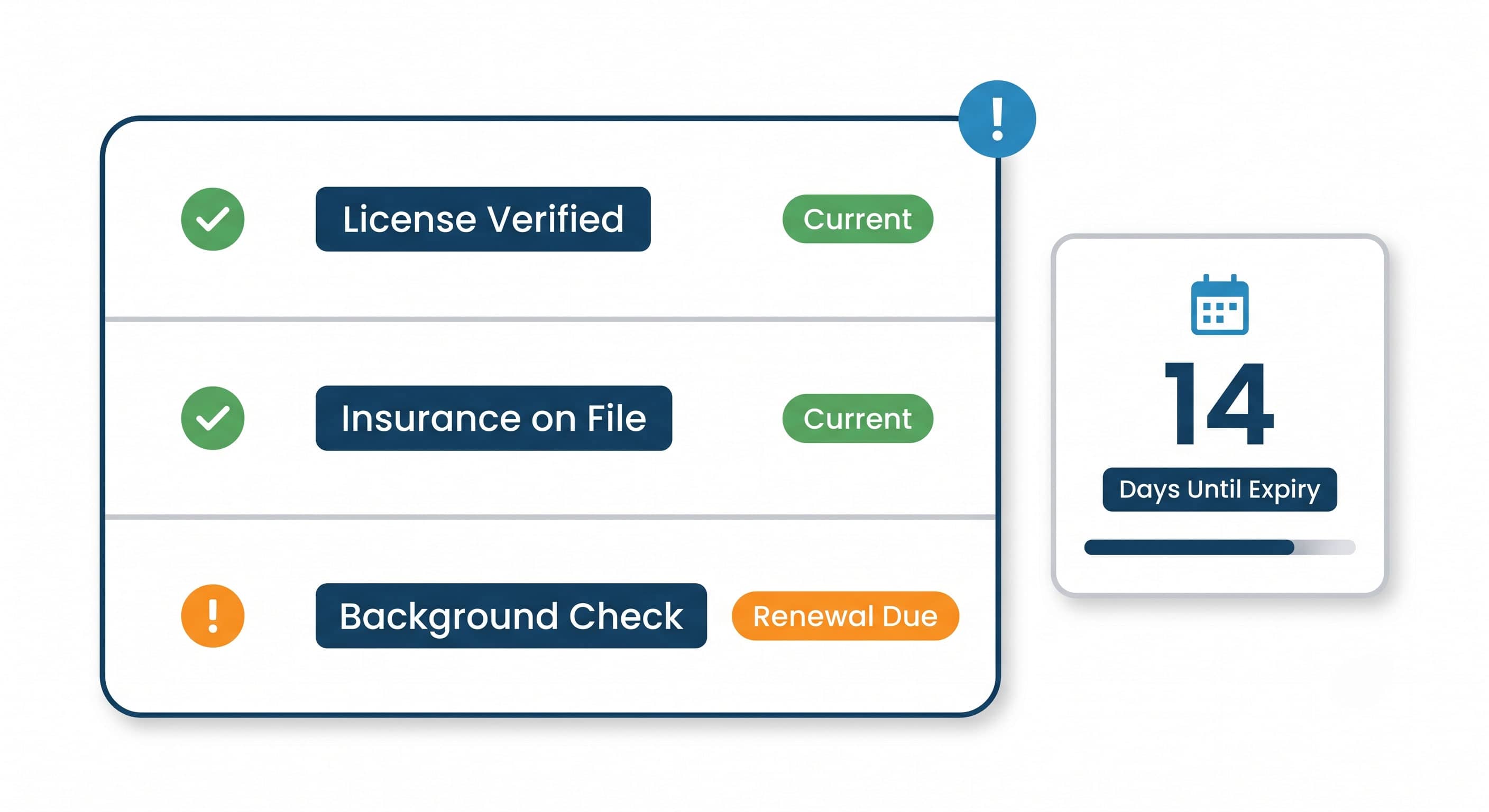
1. Business owner and employee background checks. These are not one-and-done. They require periodic renewal. If you add a new employee and don’t run them through the screening process, your compliance status can flag.
2. License verification. Google checks that your contractor’s license is active in your state. If your license renewal lapses — even briefly — and Google’s verification partner checks during that window, your badge can drop.
3. Insurance certificates. Your general liability and workers’ comp certificates have expiration dates. The moment your certificate of insurance on file with Google’s screener expires, you’re at risk.
The failure mode is almost always the same: a busy owner, a document that expired, and a lag of days or weeks before anyone notices.
How to Build a Renewal System That Doesn’t Rely on Your Memory
You don’t need a complicated system. You need three calendar reminders and one document folder.
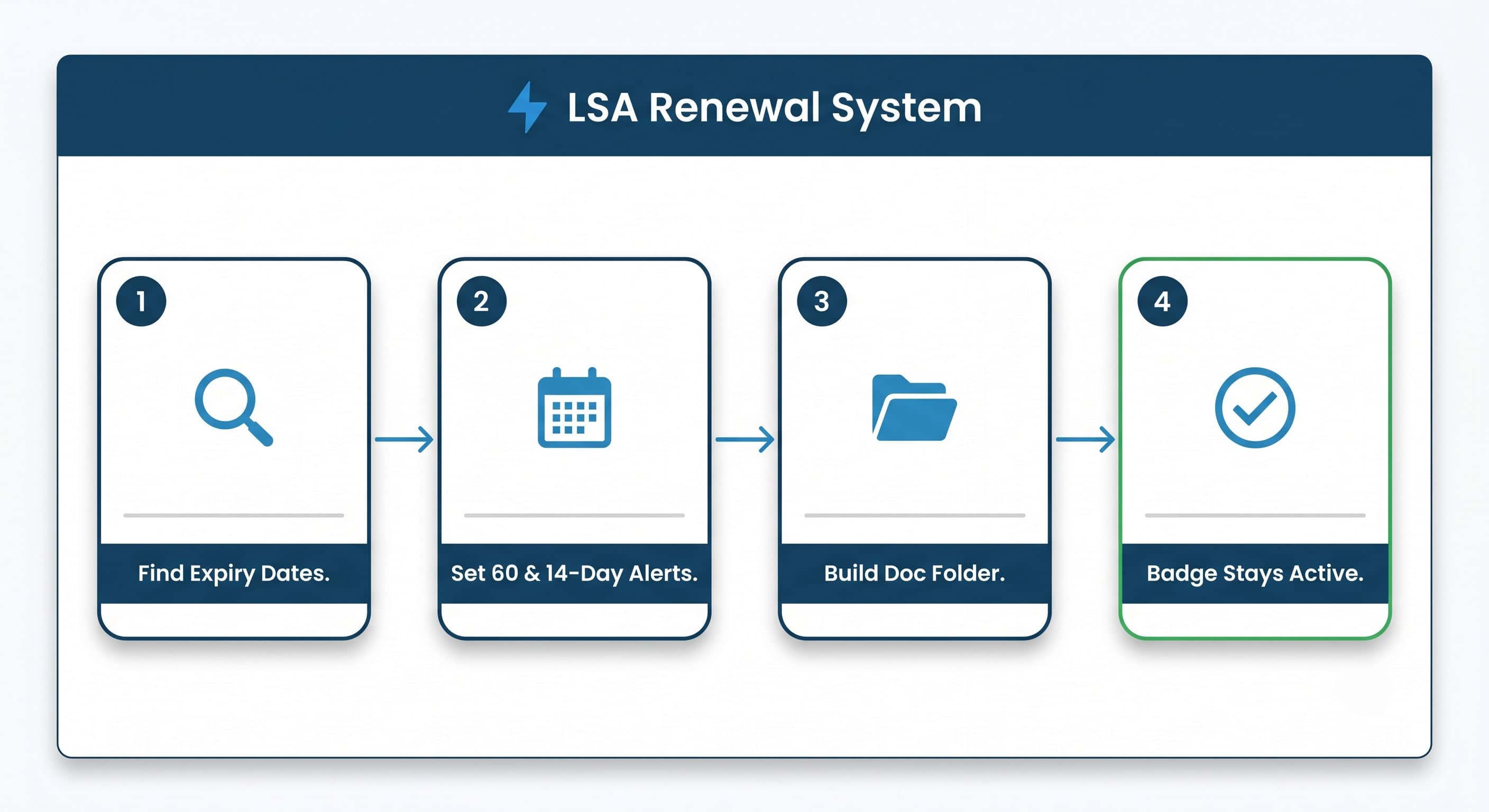
Step 1: Find your current expiration dates.
Log into your Local Services Ads dashboard at ads.google.com/localservices. Go to your profile, then to the verification section. Every credentialed item has a status. If any show “action required” or a renewal date, write it down right now.
Step 2: Set calendar reminders 60 days out and 14 days out.
Sixty days gives you enough lead time to deal with an insurance renewal, a license renewal, or a background check without rushing. Fourteen days is the hard deadline — if you haven’t acted by then, you’re cutting it close.
Put these in your phone calendar, your Google Calendar, your project management tool — wherever you actually look. Not a sticky note.
Step 3: Keep a compliance folder.
One folder — Google Drive, Dropbox, your desktop, wherever — with your current certificate of insurance, your license documentation, and the contact information for your background check provider. When renewal time comes, you’re not hunting for documents. You’re just uploading.
Step 4: Assign one person to own this.
If it’s just you, it’s you. If you have an office manager or an admin, this is their job. Write it down somewhere so it doesn’t fall through the cracks when someone’s on vacation.
What to Do If Your Badge Already Lapsed
If your ads are paused right now, here’s the sequence:
- Log into your LSA dashboard and identify which verification item is flagged.
- Gather the current document for that item. For insurance, call your broker and request an updated certificate of insurance — most brokers can email it same day. For license issues, check your CSLB account directly at cslb.ca.gov.
- Upload the document to the LSA dashboard under the flagged item.
- Submit and wait. Google’s review can take 2–5 business days. There is no way to expedite it.
- While you wait, make sure your Google Business Profile is fully updated with current hours and recent photos, and actively request reviews from recent customers. Your GBP is what keeps you visible in the map pack while LSAs are down — and in a market where 6 of your 14 competitors are already outside Montebello, your proximity pin in the city is a real advantage in organic map results that doesn’t pause when your badge does.
The two-week gap in the local hook above is realistic. The processing time plus the time it takes to realize what happened plus the time to gather documents — it adds up fast.
Why This Matters More Than You Think in a Market Like Montebello
LSA compliance is a table-stakes issue everywhere, but the stakes are higher in a dense, competitive market.
We pulled the plumber cohort for Montebello as part of a recent audit. Fourteen profiles are competing for that search. Of those 14, only 8 are actually based in Montebello itself — the rest are serving from Monterey Park and Pico Rivera. The competition density is 0.18 profiles per square kilometer within 5 kilometers of the city center. That sounds thin until you realize that 11 of those 14 profiles carry a 4.8-star rating or higher. There’s almost no room to hide on quality. With 11 of 14 profiles at 4.8★ or above, a homeowner who can’t reach you at 9pm isn’t going to wait — they’re calling the next verified badge on the list.
In a field that tight, with that many strong profiles, any self-inflicted gap — two weeks of paused LSA ads while you chase down an expired insurance certificate — hands jobs directly to the competitor two cities over. They don’t have to beat you. You just have to go dark.
Most LSA guides tell you to check your dashboard. We’d argue the dashboard is the last line of defense — the real system is the 60-day calendar reminder, because by the time the dashboard flags it, you’re already close to the edge.
The businesses that stay consistently visible in markets like this aren’t necessarily doing anything exotic. They’re just not making the avoidable mistakes.
One More Thing: Badge Status and Your Overall Google Presence
Your LSA badge is separate from your Google Business Profile (GBP). Losing the badge doesn’t take down your GBP listing or your organic rankings. But it does remove you from the LSA unit — the ads that appear above everything else, including the Map Pack, with a phone number and a “Google Guaranteed” label front and center.
For a trade where someone’s searching at 9pm because their water heater just failed, the LSA unit is where the call happens. Organic and GBP matter, but the LSA call is often the most urgent, highest-intent lead in the stack. Losing that slot for two weeks isn’t a minor inconvenience.
What to Do Monday Morning
Open your LSA dashboard. Go to the verification tab. Look at every item and write down the expiration date. Set a 60-day calendar reminder and a 14-day calendar reminder for each one.
That’s it. Fifteen minutes of admin work today keeps your ads running for the next year.
If you haven’t set up LSAs yet, or if you’re not sure whether your current verification is actually current, that’s worth a quick audit before you find out the hard way.